
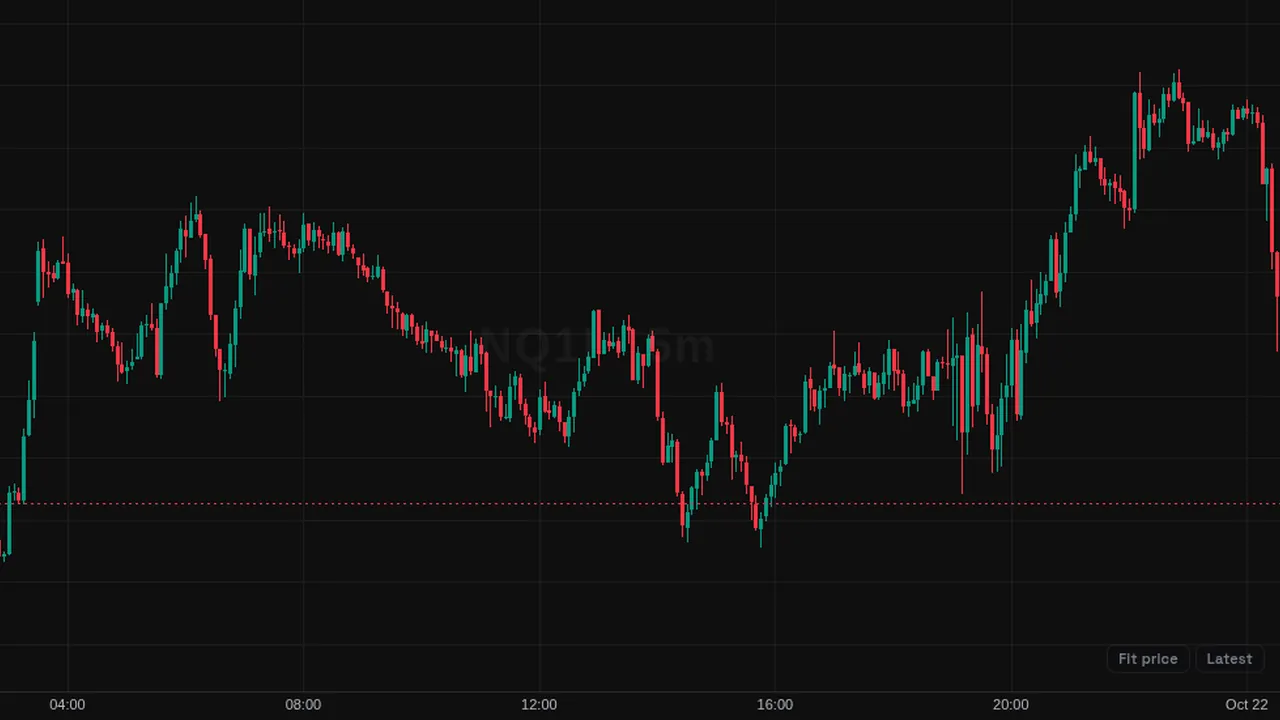
Lets you click any candle to start an Anchored VWAP from that bar, with standard-deviation bands, in one step from the picker.
Overview
This picker row is a shortcut for Anchored VWAP. After you choose it, the chart asks you to click a bar. The bar you click becomes the anchor, and an Anchored VWAP with its standard-deviation bands is added from that point.
How it works
The row watches for your next click or tap on the chart and reads the time of the bar under the pointer. It then adds the Anchored VWAP indicator with that time as its anchor. Press Escape to cancel. If no bar was under the pointer, a message asks you to try again.
The line itself is the Anchored VWAP: typical price weighted by volume from the anchor onward, with bands at 1, 2 and 3 standard deviations.
How to use it
- Some traders anchor to a swing high or low to see the average price since that turn.
- Use it to anchor to a news bar or the session open.
- Some traders add several anchors to compare averages from different points.
These are ways some traders read it, for learning. They are not trade signals.
Settings
This tool has no settings: you add it, then click or drag on the chart.
Notes and limits
- Each click adds a new Anchored VWAP; you can change its settings afterwards.
- See Anchored VWAP for the full description of the line and bands.
Education only. Not financial advice. Indicators mark what happened on the chart; they do not predict what price will do. Trading futures, forex, crypto and other markets carries a high level of risk and may not be suitable for everyone.