
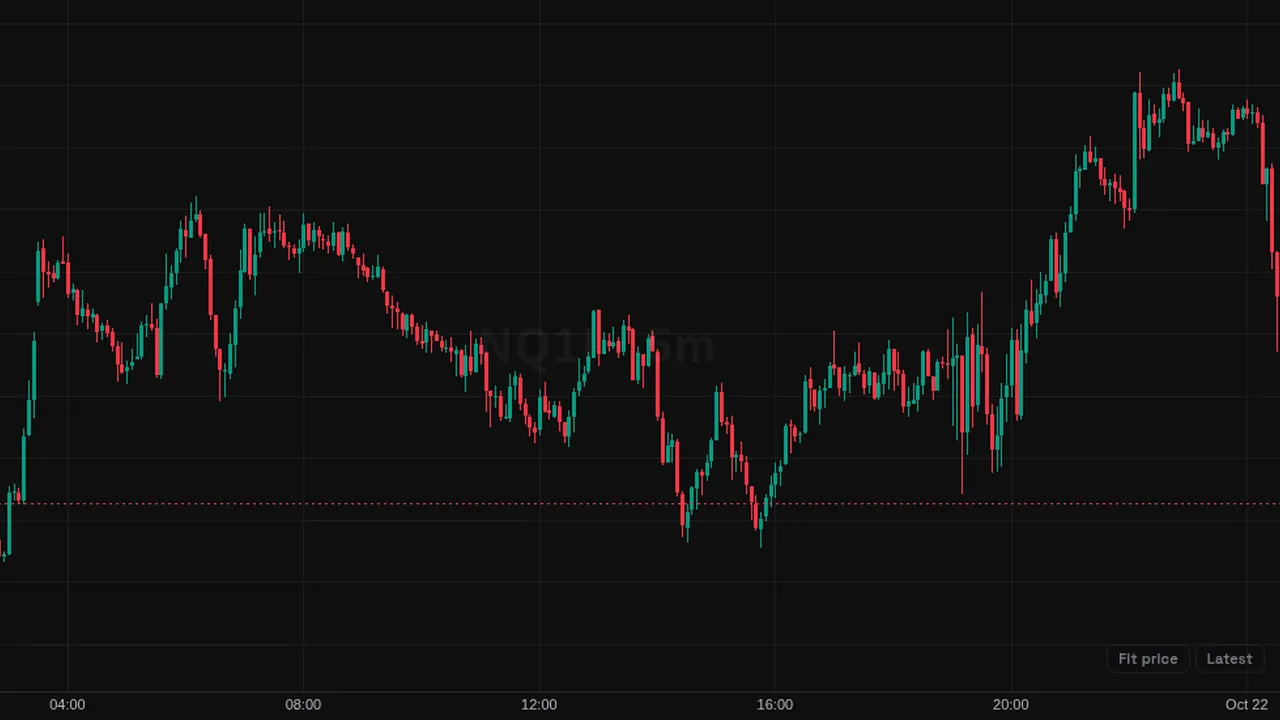
Lets you drag across a range of bars to draw a volume profile for exactly that range, using the chart's range drawing tool.
Overview
This picker row turns on the fixed range volume profile drawing tool. You drag across the bars you want to study, and a volume profile is drawn for just that range, showing how much volume traded at each price.
How it works
Choosing the row arms the chart's built-in fixed range volume profile tool and shows a short tip: drag across the bars you want to profile. The profile is drawn as a drawing on the chart, so you can place several and move or delete them like other drawings.
The profile is built from the candles inside the range you select.
How to use it
- Some traders profile a single move, such as a rally or a sell-off, to see where volume built up.
- Use it to find the busiest price inside a consolidation.
- Some traders compare profiles of two ranges side by side.
These are ways some traders read it, for learning. They are not trade signals.
Settings
This tool has no settings: you add it, then click or drag on the chart.
Notes and limits
- It is a drawing tool, not an indicator with settings in the indicator list.
- It is built from candle volume, not individual trades.
Education only. Not financial advice. Indicators mark what happened on the chart; they do not predict what price will do. Trading futures, forex, crypto and other markets carries a high level of risk and may not be suitable for everyone.