The Trading Floor with one staged post. Demo data.
Post your daily bias, ask a question or share a setup on the Trading Floor, collect badges as you work through the academy, and invite friends with your own link.
Posts are members’ own notes, not trade signals. Education only. Not financial advice.
What the community includes
The parts of the members’ area that sit around the curriculum.
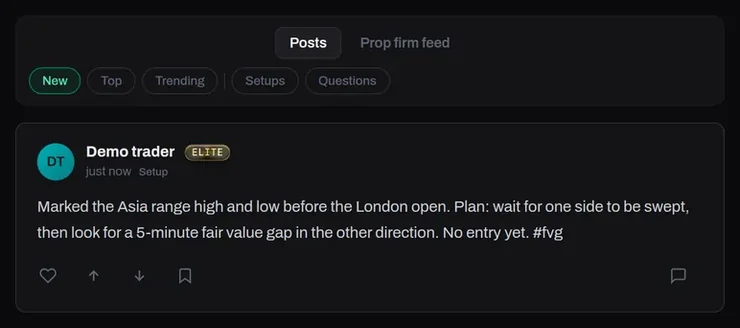
One staged post. Demo data.
01 / 04
The Trading Floor
Post daily bias, questions or setups. Posts are visible to every signed-in student, with New, Top and Trending sorting and Setups and Questions filters.
How it works
Flair a post as a Setup or a Question so others can filter for it. Members react, vote, save and reply. Posting, reacting and replying depend on your plan; others can read.
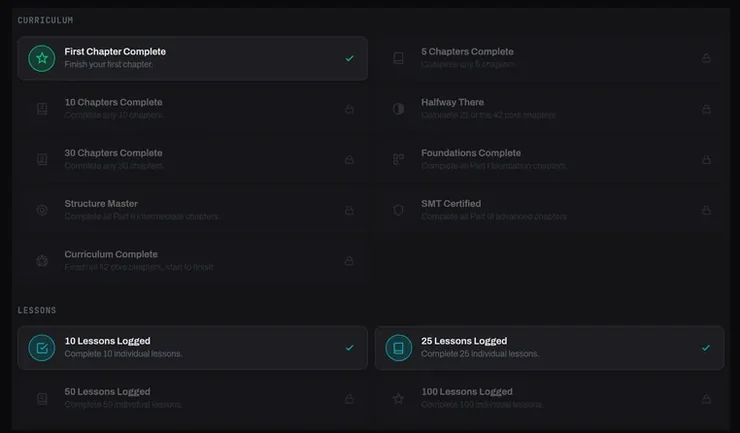
Badges on a demo account. Demo data.
02 / 04
Badges for your progress
Badges unlock as you finish chapters and lessons, keep a streak, fill in your profile, use the journal, take part on the floor and invite friends.
How it works
Each badge says what it takes, and locked badges stay visible so you can see what is next.
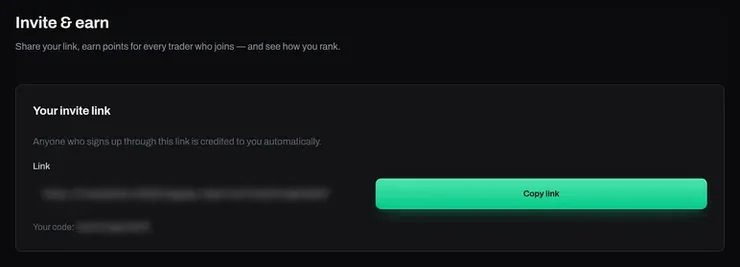
The invite link, blurred. Demo account.
03 / 04
Invite & earn
Share your link, earn points for every trader who joins — and see how you rank.
How it works
Anyone who signs up through this link is credited to you automatically.
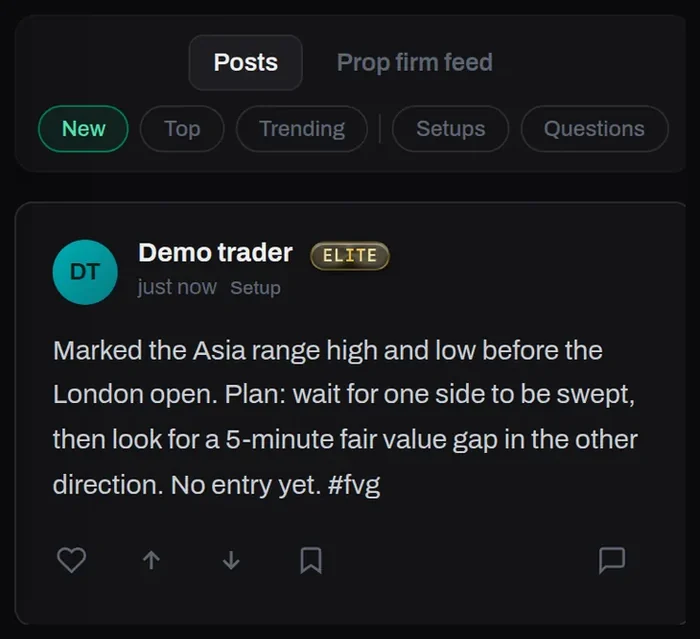
The Trading Floor on a phone. Demo data.
04 / 04
On any screen
The floor, your badges and your invite link all work on a phone.
How it works
Same account, same posts, wherever you are.
How it fits around the course
The community is there to keep you studying, not to tell you what to trade.
1
Study
Work through a chapter in the curriculum.
2
Post
Share your bias, a question or a setup on the floor.
3
Progress
Badges unlock as you keep going.
Questions
Who can see my posts?
Posts on the Trading Floor are visible to every signed-in student.
Can I post on every plan?
Everyone signed in can read the floor. Posting, reacting, replying and direct messages are part of Pro; the floor shows a note with a link to the plans if yours is read-only.
How do referrals work?
Anyone who signs up through your link is credited to you automatically, and you earn points for every trader who joins. Points are shown on your Invite & earn page.
Are posts trade signals?
No. Posts are members’ own notes and questions, shared to learn the method.
Join the floor
Create an account to read the Trading Floor, start collecting badges and get your own invite link.