
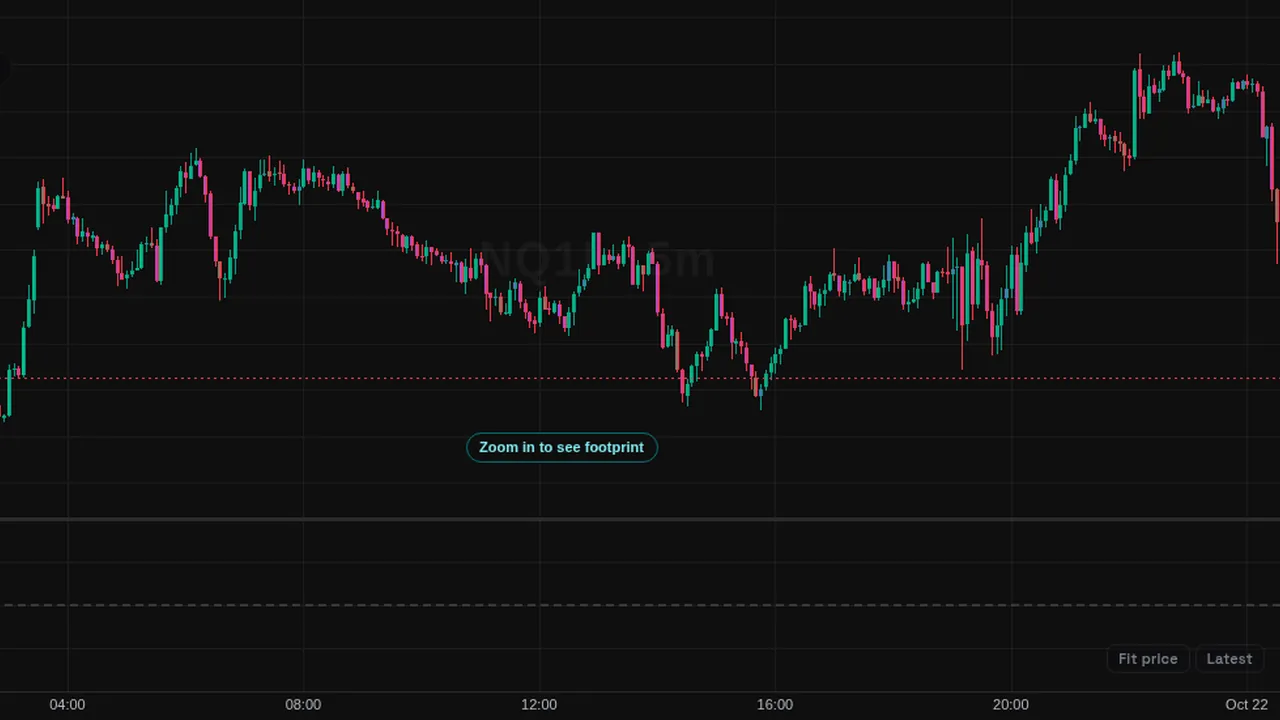
A delta pane from the futures trade stream: delta bars or cumulative delta candles, with marked divergences.
Overview
Delta pane (L1) puts delta in its own pane in one of two styles: delta bars, with strong bars highlighted, or cumulative delta candles.
It can mark divergences, where price and delta move in opposite directions.
How it works
Trades from the futures trade stream are split into buys and sells by the side they hit. A bar is strong when its delta is at least 2 times the average absolute delta. The cumulative total resets each session by default.
How to use it
- Use it to see whether buying or selling led each bar.
- Some traders watch the marked divergences near highs and lows.
- Switch to the candle style to follow the session total.
These are ways some traders read it, for learning. They are not trade signals.
Settings
| Setting | Default |
|---|---|
| StyleOptions: V1 Delta bars, V2 CVD + divergence | V1 Delta bars |
| Strong bar at (x average |delta|) | 2 |
| CVD resetOptions: session, day, none | session |
| Mark divergences | On |
| Buyers | #03c988 |
| Sellers | #f23645 |
Notes and limits
- Uses the futures trade stream (Data feed L1). Futures L1 data is free for members who sign the market data agreement.
- No longer in the Indicators window: futures order flow is now the (L2) tools, part of Pro. A saved chart that still holds this one is switched to Delta (L2) automatically.
- Divergence marks describe what already happened; they are not signals.
Education only. Not financial advice. Indicators mark what happened on the chart; they do not predict what price will do. Trading futures, forex, crypto and other markets carries a high level of risk and may not be suitable for everyone.