
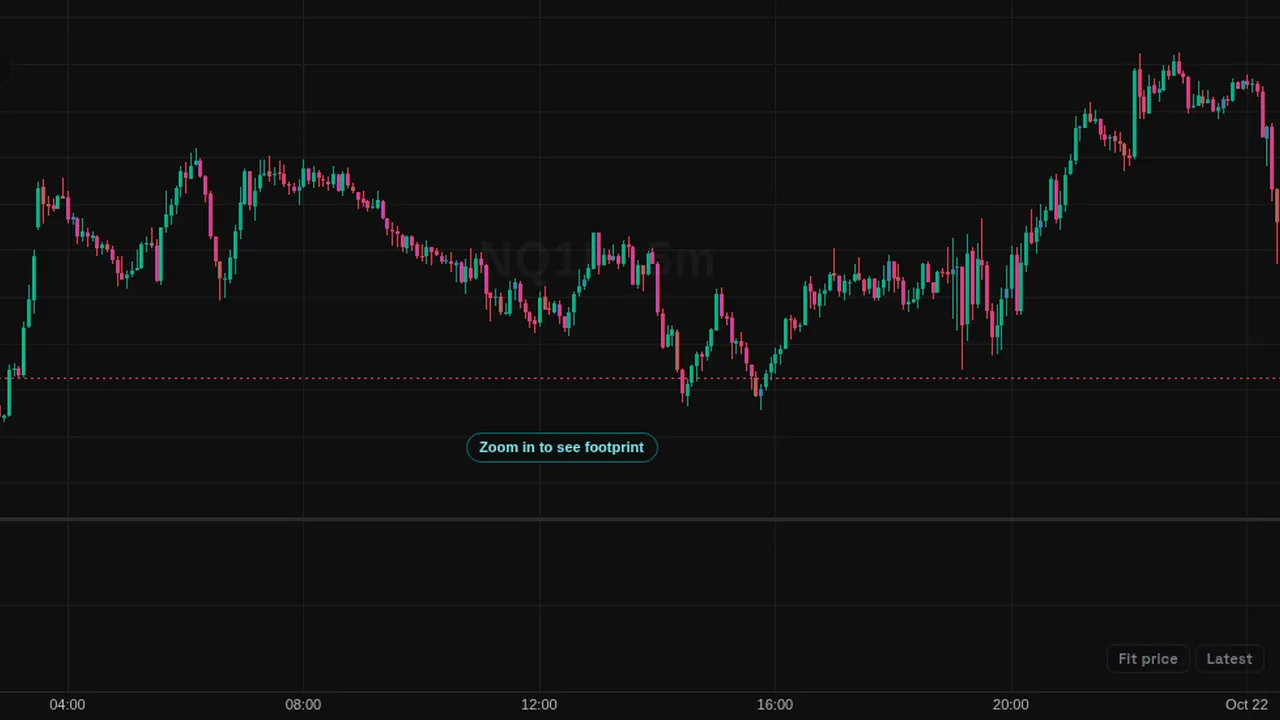
A pane with buying minus selling volume for every bar, built from the futures trade stream.
Overview
Delta (L1) shows a bar in its own pane for each candle: positive when more volume traded at the ask (buyers lifting offers), negative when more traded at the bid.
It is the per-bar delta tool fed by the futures trade stream, coloured cyan and amber so it can sit beside the standard Delta for comparison.
How it works
Each recorded trade is marked as a buy or a sell by the side it hit. For each bar, the tool adds the buy volume and subtracts the sell volume. History comes from up to 48 hours of recorded trades.
How to use it
- Use it to see whether buying or selling volume led each bar.
- Some traders watch for a bar that closes up while delta is negative, or the other way round.
- Compare delta on bars that test a level.
These are ways some traders read it, for learning. They are not trade signals.
Settings
| Setting | Default |
|---|---|
| Positive | #22d3ee |
| Negative | #ff9f1c |
Notes and limits
- Uses the futures trade stream (Data feed L1). Futures L1 data is free for members who sign the market data agreement.
- No longer in the Indicators window: futures order flow is now the (L2) tools, part of Pro. A saved chart that still holds this one is switched to Delta (L2) automatically.
Education only. Not financial advice. Indicators mark what happened on the chart; they do not predict what price will do. Trading futures, forex, crypto and other markets carries a high level of risk and may not be suitable for everyone.