Indicators
Add the same indicators you use on the web. They run on the same engine.
TradeZoro apps Beta
One account on your PC, your phone and the web. Your watchlists, layouts and paper account follow you.
Open in your browser →iPhone app: coming later
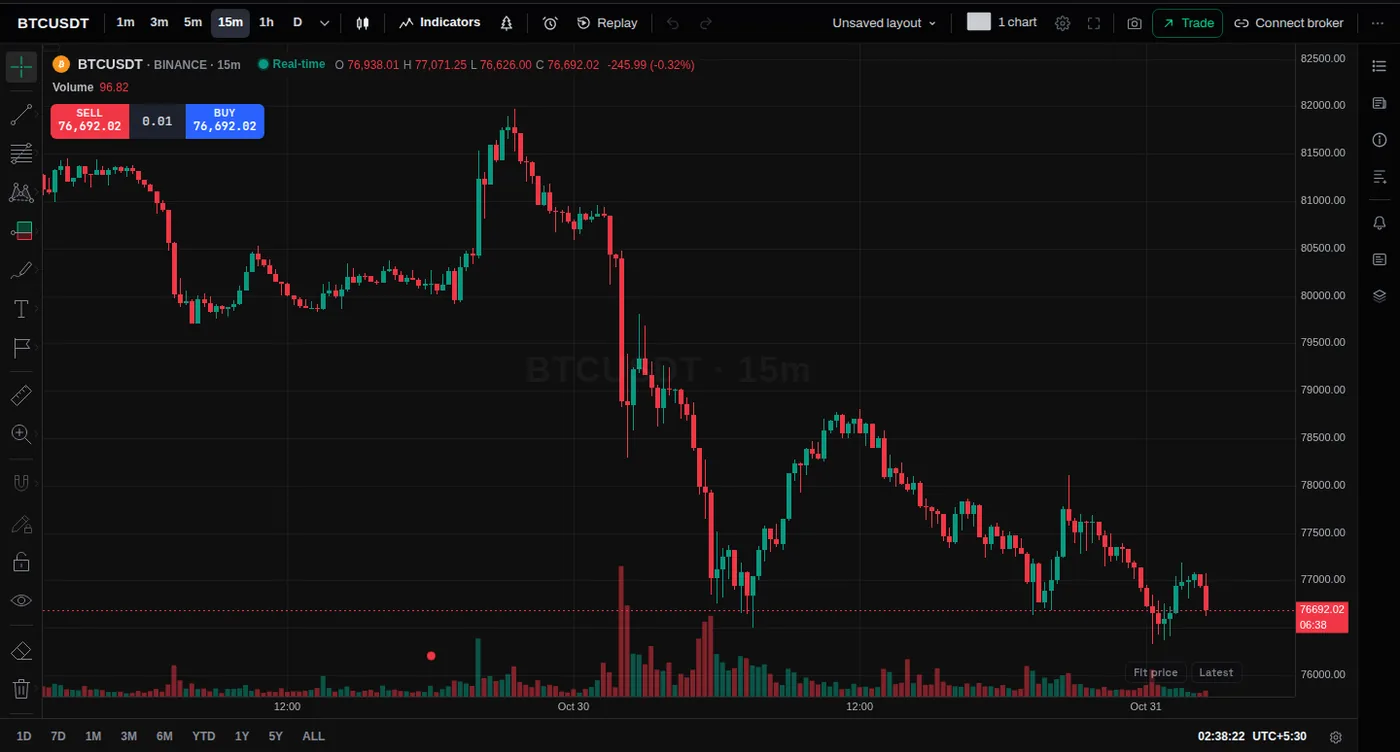
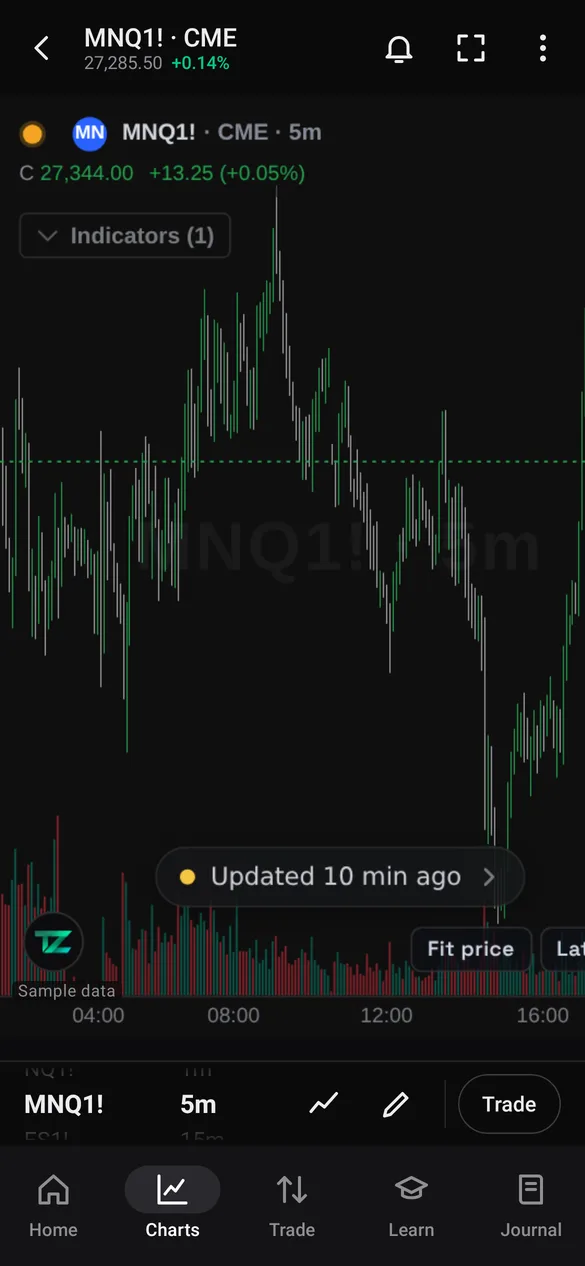
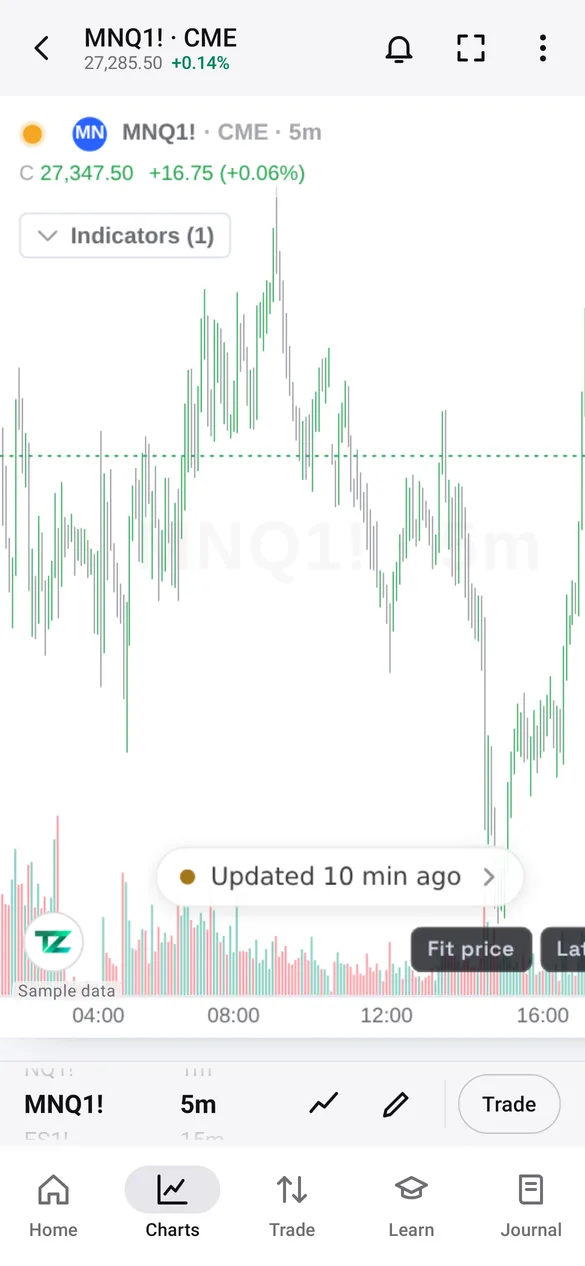
Real screenshots of the apps.
The tools you use on the web, in your pocket and on your desktop.
Add the same indicators you use on the web. They run on the same engine.
Set an alert on any device. It arrives as a notification on your phone and your PC.
Practise orders on live charts with a paper account. No real money, ever.
Change it on your PC, it's on your phone in seconds. Same account, same watchlists, layouts and settings.
Same account on all three. Each app adds what its device does best.
| Feature | Web | Windows | Android |
|---|---|---|---|
| Charts with indicators | |||
| Paper trading | |||
| Price alerts with notifications | |||
| Watchlists, layouts and settings synced | |||
| Omega levels, journal and lessons | |||
| Pop-out chart windows for a second monitor | |||
| Always on top | |||
| Nothing to install |
Both apps are in beta, so your device may ask you to confirm once.
No install? Try the portable version. All versions and checksums.
The Play Store version is coming later.
Yes, downloading the apps is free. You sign in with your TradeZoro account, and the plan you have on the web is the same plan in every app.
Yes. Your watchlists, chart layouts, settings and paper account live on your account, so a change on one device shows up on the others.
Paper trading for everyone: practise orders on live charts with a paper account. No real money is used.
The files come straight from tradezoro.com. The Windows beta isn't code-signed yet, so Windows may ask you to confirm with More info, then Run anyway. The Android beta comes from outside the Play Store, so Android asks you to allow this source once.
Not yet, it is coming later. On iPhone and iPad, open tradezoro.com in Safari, then Share and Add to Home Screen.
Download the app for your device, or open TradeZoro in your browser.
Education only. Not financial advice.