Sessions · The desk
Sessions with the desk, on your clock
Sessions · Next session
The sessions page with demo sessions. Demo data.
When the desk schedules a session it appears on the page with a countdown converted to your timezone. When it starts, the session room opens on the same page.
Sessions are teaching sessions, not trade signals. Education only. Not financial advice.
How the sessions page works The next session, the upcoming list and past sessions, on one page.
The next-session countdown. Demo data.
01 / 04 Countdown in your timezone The next scheduled session shows a countdown, with the start time converted to your local clock.
How it works Session times are entered by the desk and shown in your own timezone, so there is no converting in your head.
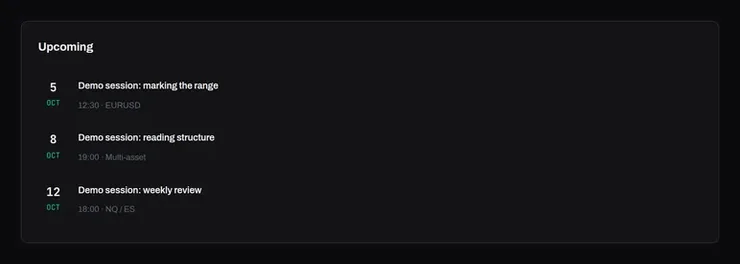
The upcoming list. Demo data.
02 / 04 See what is scheduled Every session the desk has put on the schedule is listed with its date, time and instrument.
How it works There is no fixed timetable: sessions appear here when the desk schedules them.
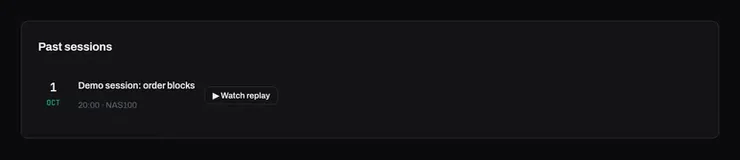
Past sessions. Demo data.
03 / 04 Past sessions When a session is over it moves to Past sessions. A Watch replay button appears only on a past session the desk has attached a video to.
How it works Not every session has a video. Where one is attached, watching it is part of Pro, and so is the session room with chat.
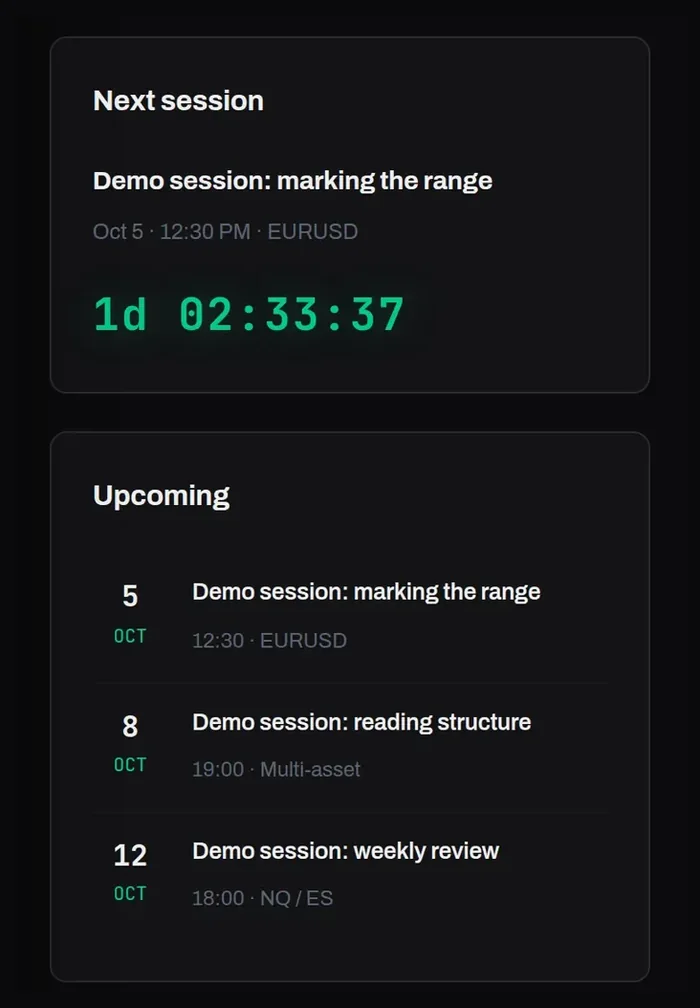
The sessions page on a phone. Demo data.
04 / 04 On any screen The countdown, the schedule and the session room all work on a phone.
How it works Same account, same sessions, wherever you are.
How a session runs The page keeps itself up to date as sessions come and go.
1 Scheduled The session appears with a countdown in your timezone.
2 The room When it starts, the room opens on the page, with chat for Pro members.
3 Past It moves to Past sessions afterwards.
Questions
When are sessions held? There is no fixed timetable. The desk schedules sessions and they appear on the page with a countdown, in your own timezone.
Which plan do I need? The session room with chat, and any video the desk has attached to a past session, are part of Pro. Sessions run when the desk schedules them.
Are sessions trade signals? No. Sessions show how the concepts are applied to a market, to teach the method.
See the next session Create an account to see the schedule, and choose the plan that fits how you want to take part.
Education only. Not financial advice.