Private Indicators · TradingView
Invite-only TradingView tools, licensed to you
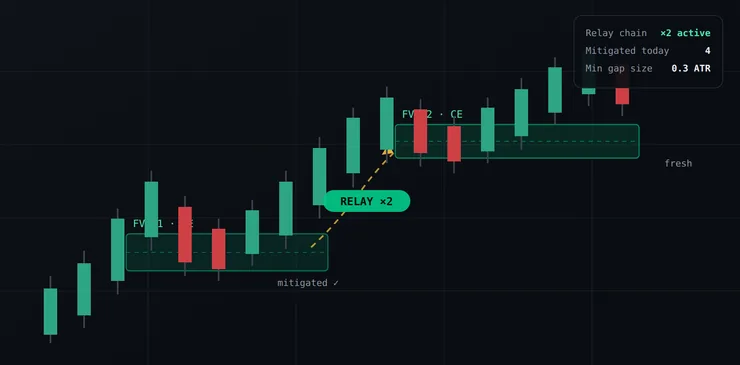
FVG Relay · NQ 5m
FVG Relay.
Five private indicators built around the same concepts the curriculum teaches (liquidity, SMT divergence, fair value gaps and the Power of Three), granted directly to your TradingView username.
Indicators mark concepts on the chart; they are not trade signals. Education only. Not financial advice.
Chart images on this page are designed illustrations of the indicators, not TradingView screenshots.
The five-script toolkit Each indicator automates one concept from the curriculum, so the chart marks what you have learned to see.
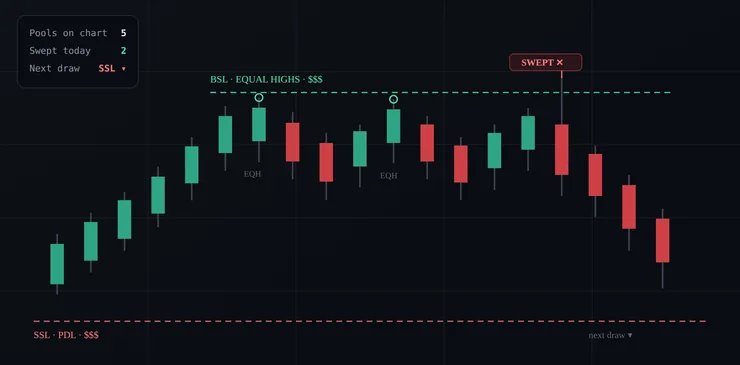
01 / 06 Liquidity Master Maps the highs, lows and equal levels that traders watch as liquidity, so the chart shows them at a glance.
How it works Taught in the curriculum’s liquidity chapters: buy-side and sell-side liquidity, and what a sweep of it looks like.
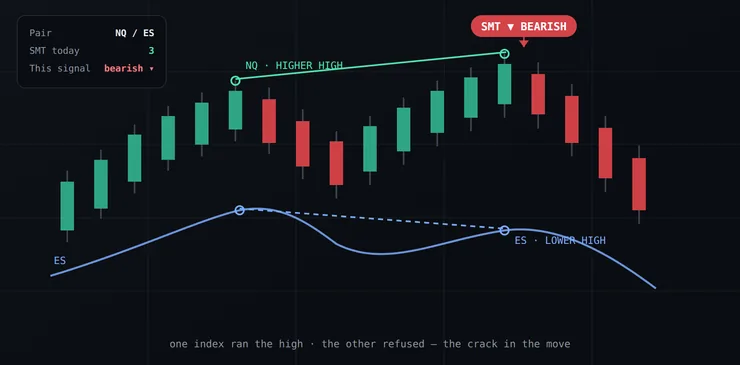
SMT Divergence Pro, NQ against ES.
02 / 06 SMT Divergence Pro Compares correlated instruments and marks SMT divergence on the chart when one makes a new high or low and the other does not.
How it works One market makes a new high or low and the correlated one does not confirm: the crack the SMT chapters teach you to read.
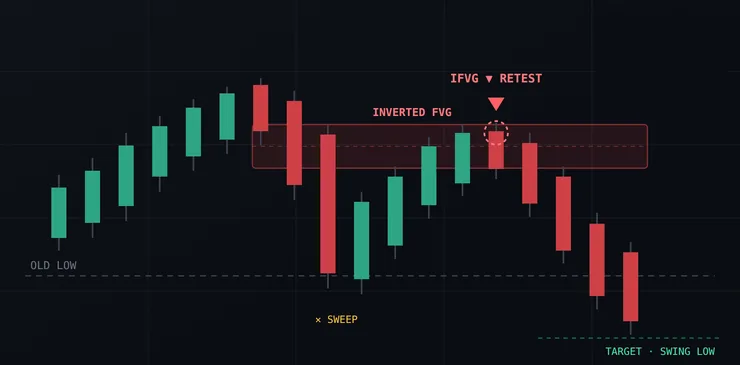
03 / 06 IFVG Pro Marks inversion fair value gaps: FVGs that price has traded through, which some traders then treat as support or resistance.
How it works A gap that price breaks through can switch roles; IFVG Pro marks the inverted zone and the retest of it.
04 / 06 FVG Relay Follows chains of fair value gaps across a move, showing which price has respected and which it has traded through.
How it works Each gap is drawn with its consequent-encroachment line and tracked as price returns to it.
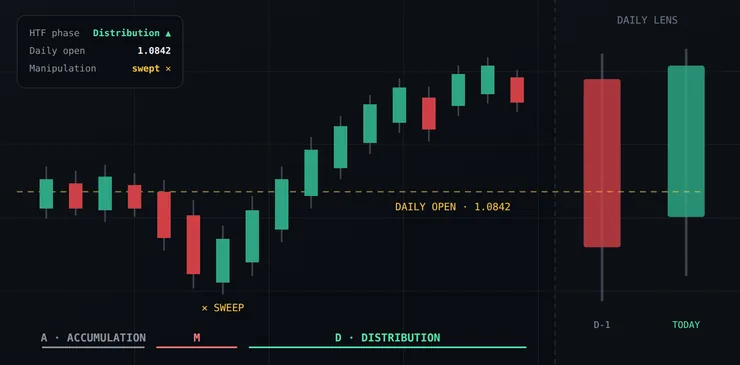
05 / 06 HTF PO3 Lens Projects higher-timeframe Power of Three structure onto your execution timeframe.
How it works Higher-timeframe candles sit beside your chart with their open extended across it, read as accumulation, manipulation and distribution.
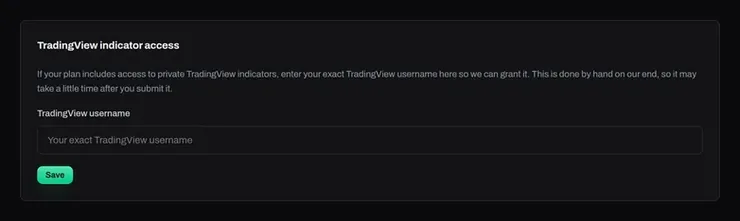
The access request on the Indicators page.
06 / 06 Licensed to your username Submit your TradingView username from the Indicators page; when your plan qualifies, the license is granted straight to your TradingView account.
How it works Access is granted by hand, so it can take a little time after you submit.
Access that follows your membership Request it once; the license lives on your TradingView account.
1 Your username Enter your exact TradingView username on the Indicators page.
2 Granted The invite-only license is added to your TradingView account.
3 Plan-linked Access follows your plan: the license is managed alongside it.
Questions
Do I need a paid TradingView plan? Invite-only scripts need a TradingView plan that supports them. Check TradingView’s own plan page for what your plan includes.
Are these buy and sell signals? No. Each script marks a concept the curriculum teaches, so you learn why a level matters and then let the script do the marking.
How do I get access? Enter your TradingView username on the Indicators page. When your plan includes the indicators, access is granted to that username.
Put the toolkit on your charts Join, pick a qualifying plan, and request access with your TradingView username.
Education only. Not financial advice.