The events map, with most active places and the tension index.
Before you pick a trade you need the context: what is moving, where the risk tone sits, what is on the calendar. The Global Monitor is the one-screen check before every session.
Third-party data, for context only. Education only. Not financial advice.
What’s on the Global Monitor
Six tabs on one screen: Markets, Map, Wire, Risk, Briefing (a rule-based summary, not AI) and Streams.
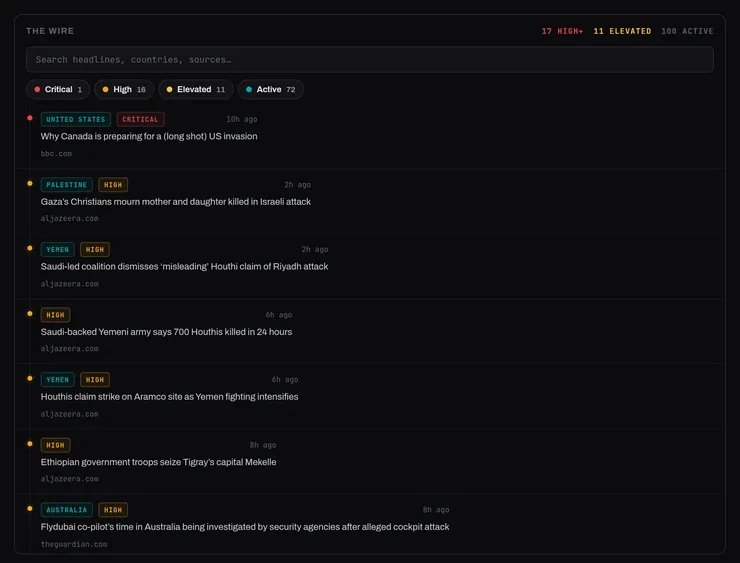
The Wire headline feed.
01 / 05
The Wire
Headlines collected from third-party feeds, searchable by headline, country and source, so the context reaches you without twelve open tabs.
How it works
Chips filter the feed by severity; the search box matches headlines, countries and sources.
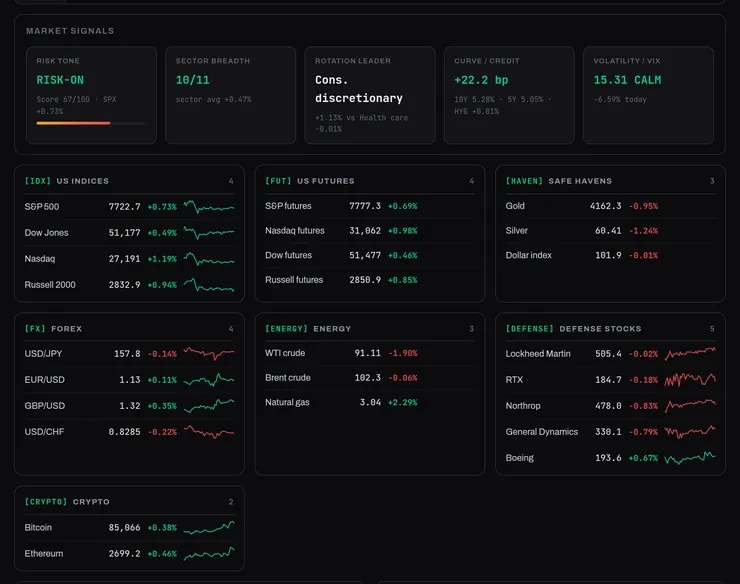
Market signals and asset tables.
02 / 05
Markets
Market signals, then the instruments that set the tone, grouped on one screen.
How it works
Risk tone, sector breadth, rotation leader, curve and volatility at the top; indices, futures, safe havens, FX, energy, defense stocks and crypto below. Sector rotation and movers follow.
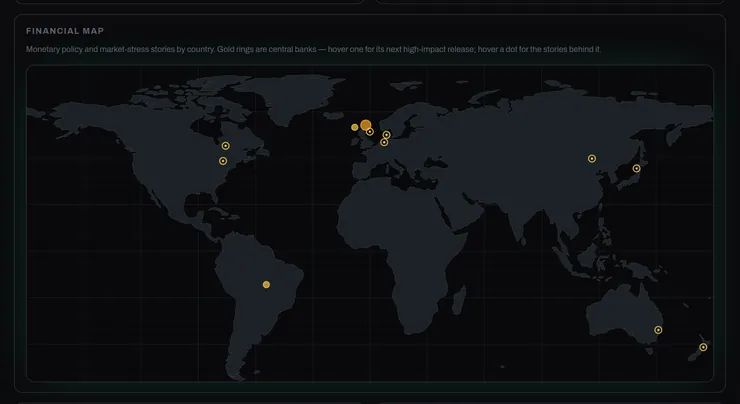
Financial map.
03 / 05
Financial map
Monetary policy and market-stress stories by country, with central banks marked, plus a financial newswire filtered by severity.
How it works
Hover a central bank for its next high-impact release; hover a dot for the stories behind it.
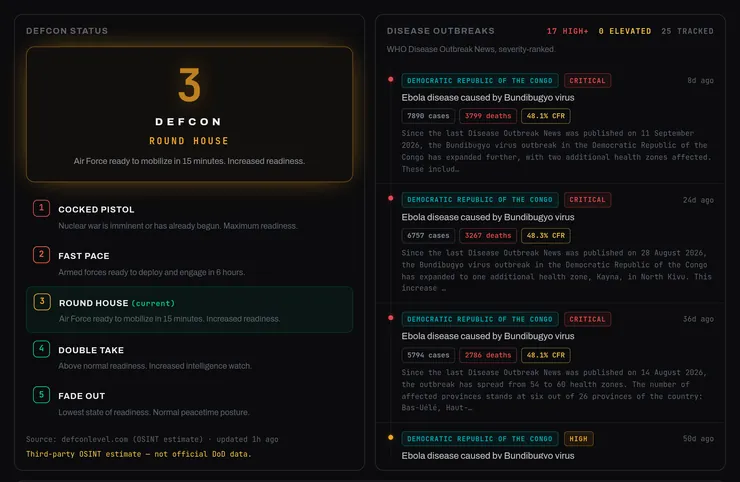
DEFCON status and disease outbreaks.
04 / 05
Risk
DEFCON status, labelled on the page as a third-party estimate, beside disease outbreaks ranked by severity from WHO Disease Outbreak News.
How it works
The page names the source under each panel.
Prediction markets.
05 / 05
Prediction markets
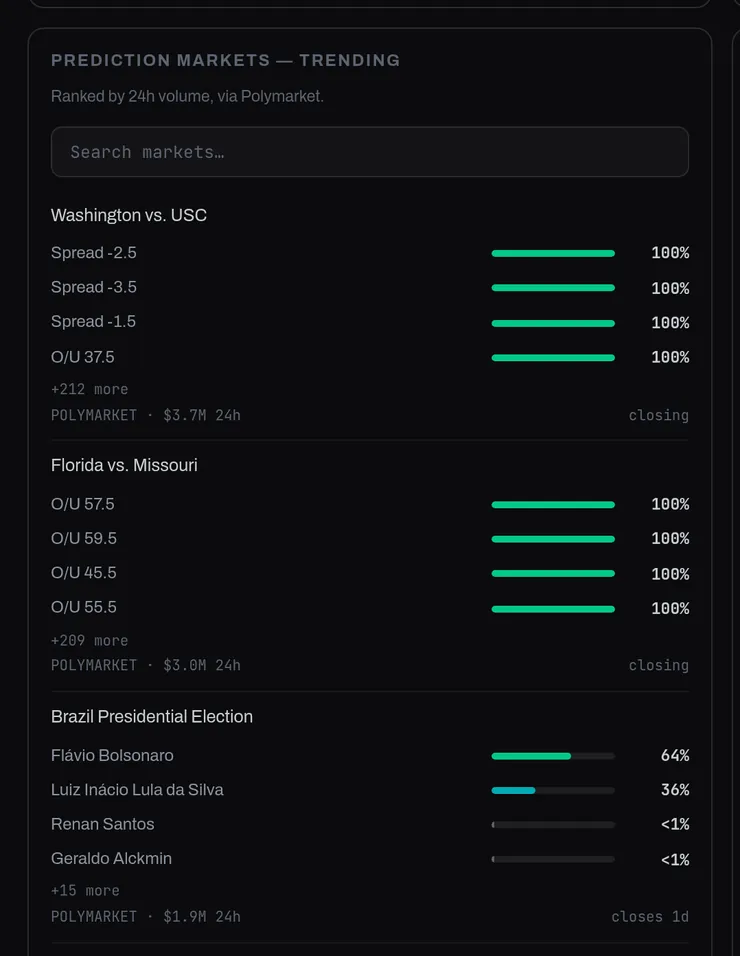
Trending prediction markets, searchable, as another read on what the crowd is weighing. Prices are the crowd’s odds, not forecasts.
How it works
Ranked by 24h volume, via Polymarket. Shown for context only; not a forecast.
The two-minute pre-market routine
A simple habit: start with context, not entries. The monitor turns that into a short routine before every session.
1
Open the monitor
What moved overnight?
2
Frame the day
Risk-on or risk-off?
3
Then trade
Context first, entries second.
Questions
What is the Global Monitor for?
It is the one-screen context check before a session: events, headlines, markets, risk and the calendar in one place.
Where does the data come from?
Third-party sources, named on each panel (for example Polymarket, the Forex Factory feed and WHO Disease Outbreak News), collected into one page. For context only.
Is it part of the Terminal?
Yes. It sits beside Charts and the Smart Money desk in the Terminal section of your dashboard.
Start every day framed
Create your account and make the two-minute context check part of your routine.